tasks · one quarter of viratim
Boards that never lose the thread.
Drag-and-drop Kanban with the columns you invent, tasks anyone can claim, and one detail nobody else gets right: every card is also a message in the channel that argued for it.
moves land in 27mscustom columnsboard or list
A task is a message
The card remembers the argument that made it.
In a separate board tool, a card is a title and a hope. Here it is the same object as the message in its channel — open it and the discussion is right there, with everyone who was in it.
Open a card and jump straight into the channel thread behind it.
Moves and comments notify the people who were already in the conversation.
Channel permissions carry over: no card leaks work someone cannot see.
Dana# product · 10:38
We should ship voice notes to mobile before the demo.
create task from message
task · in progressdue fri
Ship voice notes to mobile
opens # product
Board mechanics
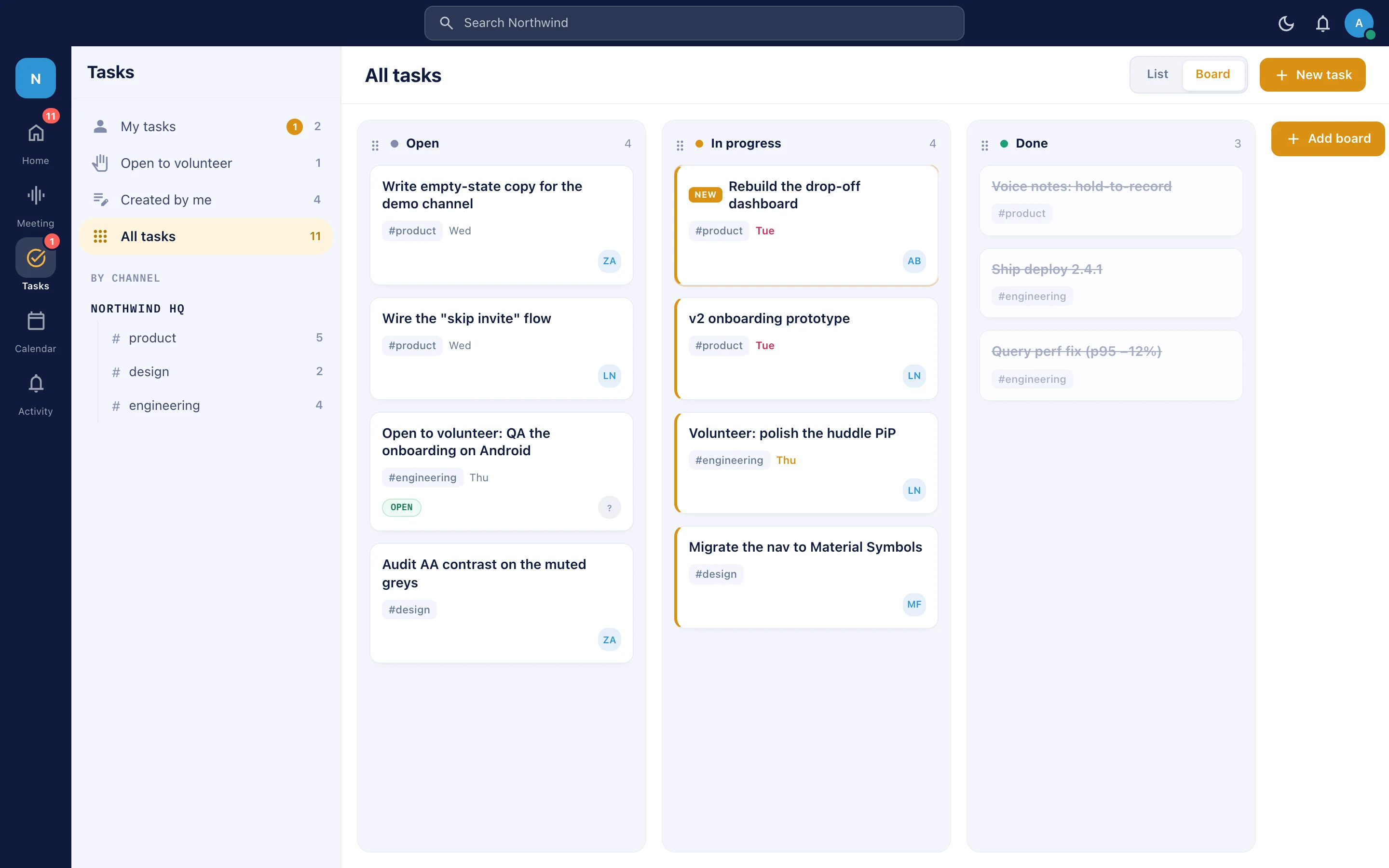
Built for dragging, not for filling in forms.
Custom columns
Open, In progress and Done come free; anything else you need, you create and rename.
Volunteer tasks
Open a task to the team instead of assigning it, and let whoever has capacity claim it.
Due dates & overdue flags
Dates, assignees and descriptions, with overdue cards surfacing themselves.
Drag-to-delete
A trash zone at the edge of the board, plus Trello-style auto-scroll while dragging.
Task detail overlay
Opens in place over the conversation, so you never lose your spot in the channel.
List or board
Same tasks, two shapes — the board for planning, the list for grinding through.
Workspace-wide boards
Boards span the workspace, so cross-team work does not need a second tool.
Real-time moves
Every drag lands on every screen over the socket — no refresh, no stale column.
Filter rail
Five views, one board.
The rail on the left of the board answers "what's mine?" without building a saved filter first.
My tasks
Ship voice notes to mobile# productdue fri
Review permission matrix copy# foundersmon
Cut the release notes# productnext wk
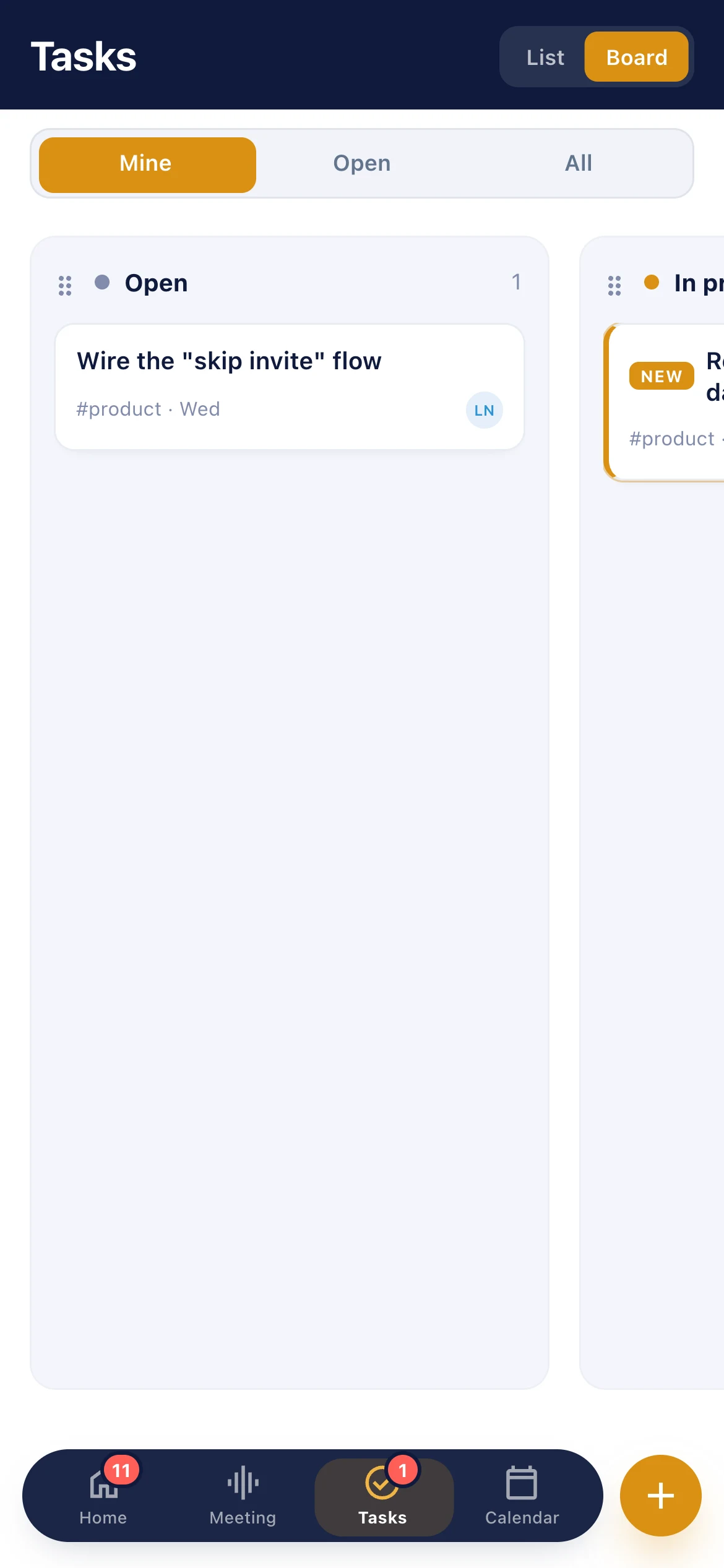
On every screen
Drag on the desktop, claim from the queue.
Tasks are one quarter
A board is only useful next to the talking.
That's why the board ships in the same app as the channels, the huddles and the calendar — on one bill, under one permission model.
Move your board next to your team.
Free workspace, all four tools, no card.